> ## Documentation Index
> Fetch the complete documentation index at: https://docs.wordware.ai/llms.txt
> Use this file to discover all available pages before exploring further.
# Publish and Deploy
> Turn your flows into standalone WordApps, and access them via a clean UI or powerful API
## Oh, the Places You'll Go!
The power of Wordware is in its flexibility. Every flow you create can be deployed as a standalone WordApp, which you
can share with anyone, anywhere. Every deployed WordApp is both a standalone application and an API, allowing both
humans and software to effortlessly interact with your creations.
## Deploying your flow
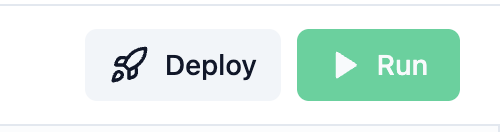
Start by opening the share dropdown, by clicking the "Share" button on the editor.
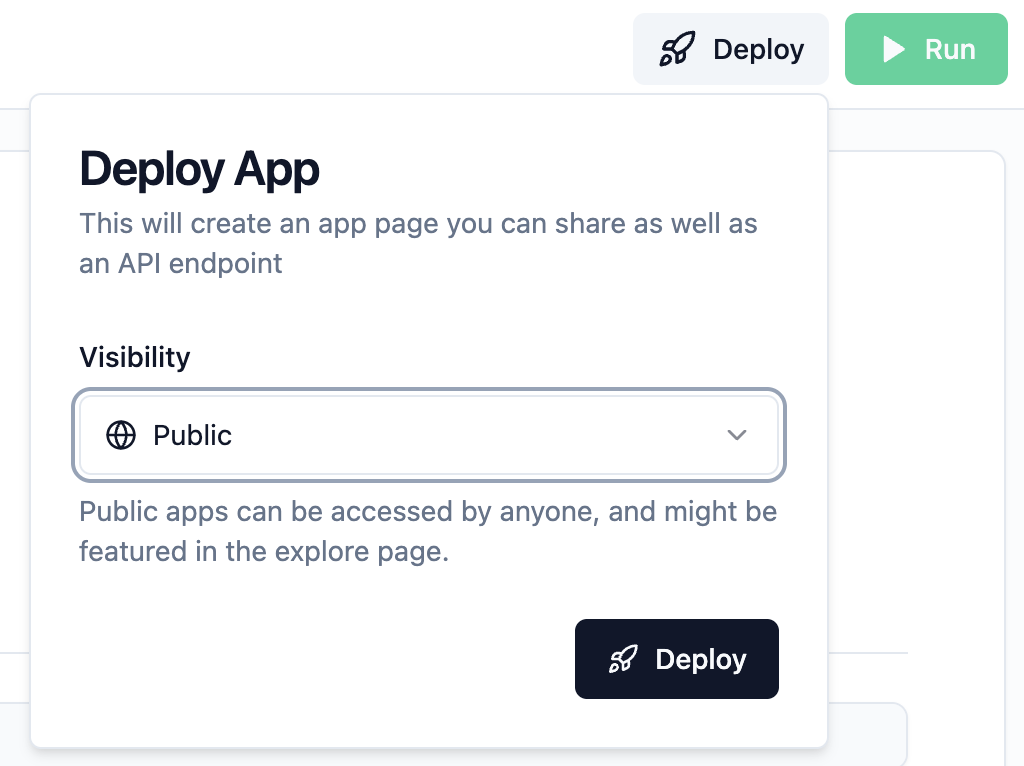
 Select "Public" to share your flow with the world, or "Private" to keep it to yourself and other members of
your organization. Then click "Deploy".
Select "Public" to share your flow with the world, or "Private" to keep it to yourself and other members of
your organization. Then click "Deploy".
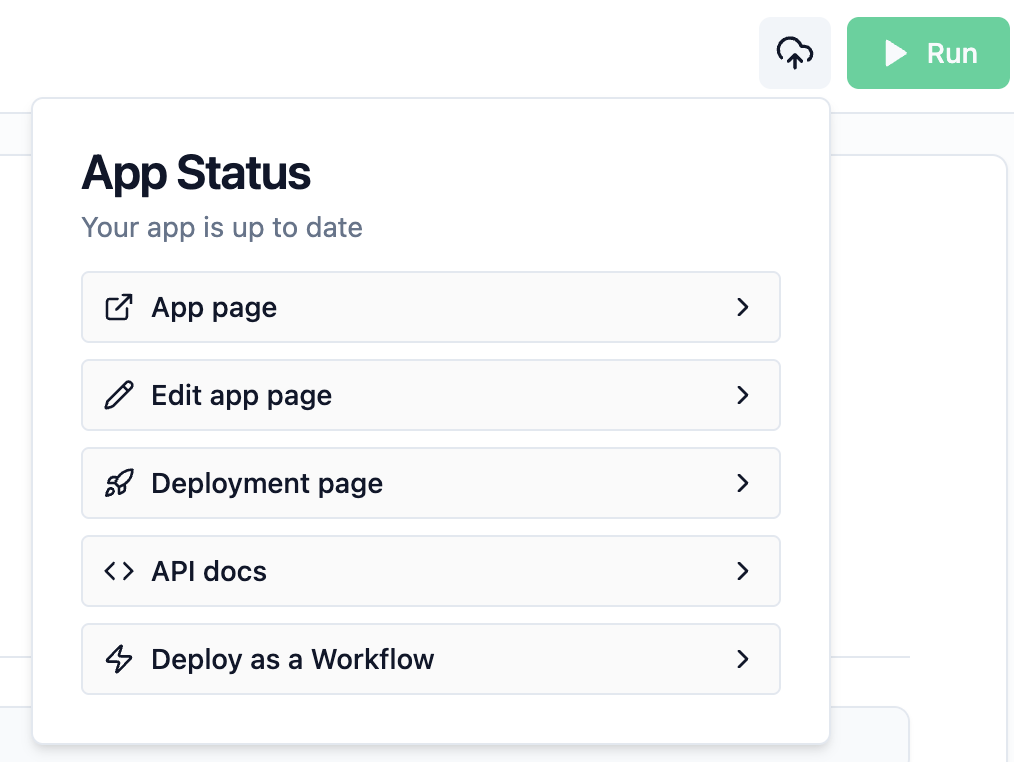
 Play with your deployed app in the app page, see details about your new deployment on the deployment
page, view documentation to access your app via API, or set pre-filled inputs for faster and easier demos
and development.
Play with your deployed app in the app page, see details about your new deployment on the deployment
page, view documentation to access your app via API, or set pre-filled inputs for faster and easier demos
and development.
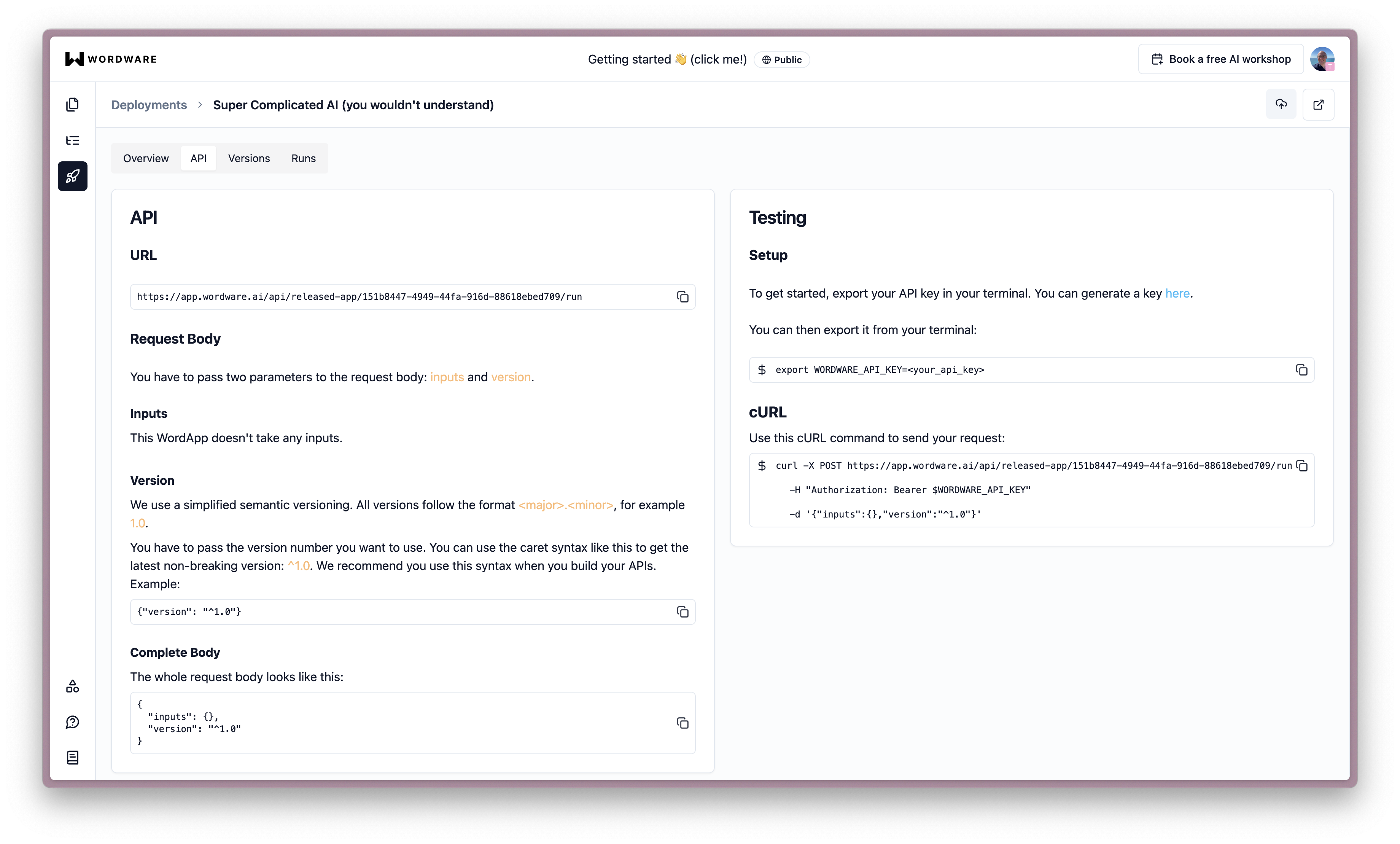
 Check out our API documentation
to see how you can interact with a WordApp programmatically. Or check out the API section of your deployments tab to view documentation specific to your deployment.
Check out our API documentation
to see how you can interact with a WordApp programmatically. Or check out the API section of your deployments tab to view documentation specific to your deployment.
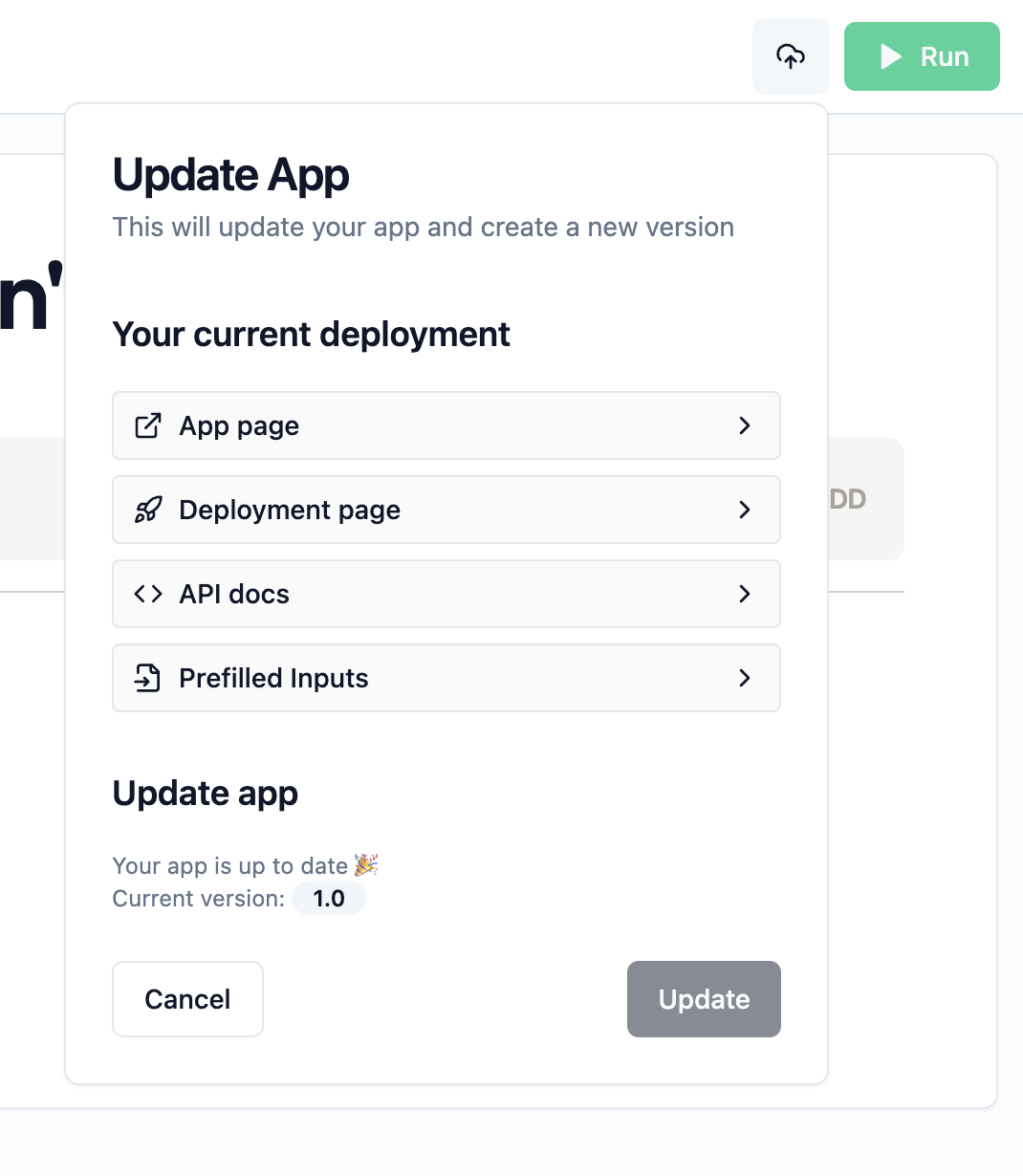
 Make some changes to your flow, and deploy it again to see your changes in action. Each release of your
app is versioned, and every version has its own URLs and IDs, so you have effortless control over which
version you're using where, and when it's time to push an upgrade to production.
Make some changes to your flow, and deploy it again to see your changes in action. Each release of your
app is versioned, and every version has its own URLs and IDs, so you have effortless control over which
version you're using where, and when it's time to push an upgrade to production.
 ## You’ve got a live app!
Edit and re-release as many times as you like, and share it with the world. You can even
embed your WordApp in your own website or app, or call it as a function within your code to add AI to
your existing project.
Or you can just appreciate the beauty of your creation, and the power of Wordware to make it happen.
## Check these out next
Here are some next steps you may want to take to get the most out of Wordware:
Walk through a simple chatbot recipe to accomplish your goals with Wordware
Add custom JavaScript or Python code to your WordApp to do anything you can imagine.
Book a call with one of our experts to get a personalized walkthrough of Wordware.
See how generations enable you to accomplish most anything you can imagine.
## You’ve got a live app!
Edit and re-release as many times as you like, and share it with the world. You can even
embed your WordApp in your own website or app, or call it as a function within your code to add AI to
your existing project.
Or you can just appreciate the beauty of your creation, and the power of Wordware to make it happen.
## Check these out next
Here are some next steps you may want to take to get the most out of Wordware:
Walk through a simple chatbot recipe to accomplish your goals with Wordware
Add custom JavaScript or Python code to your WordApp to do anything you can imagine.
Book a call with one of our experts to get a personalized walkthrough of Wordware.
See how generations enable you to accomplish most anything you can imagine.