> ## Documentation Index
> Fetch the complete documentation index at: https://docs.wordware.ai/llms.txt
> Use this file to discover all available pages before exploring further.

# Actions

> Supercharge your WordApp with thousands of integrations

<div style={{ position:"relative",paddingBottom:"70.58823529411764%",height:0 }}>
  <iframe src="https://www.loom.com/embed/ef16d54c6b9242e5b04a2922ae93254d?sid=bcc8d40d-9abc-4aa7-86d3-e30d13cb6ba3" frameborder="0" webkitallowfullscreen mozallowfullscreen allowfullscreen style={{ position:"absolute",top:0,left:0,width:"100%",height:"100%" }} />
</div>

## What does it do?

Actions allow you to seamlessly connect your WordApp with over 2,000 third-party applications and services. This powerful feature bridges the gap between AI-generated content and real-world actions, enabling you to automate entire workflows without leaving the Wordware ecosystem.

## How do I use it?

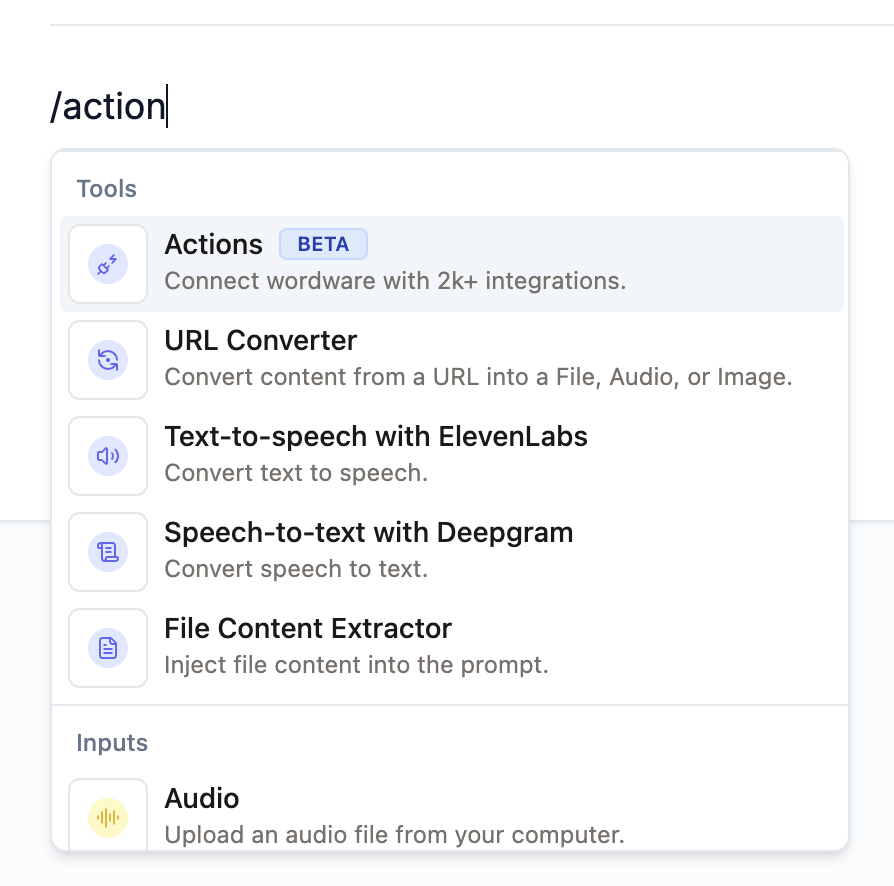
Firstly, press `/ `in the editor and start typing 'actions', then press `Enter`

<img src="https://mintcdn.com/wordware/TZfH9znr7B6oxuO7/images/actions/actions_one.png?fit=max&auto=format&n=TZfH9znr7B6oxuO7&q=85&s=25250d3c696a5cdd0e7e246593baaacb" alt="Actions One Pn" width="894" height="886" data-path="images/actions/actions_one.png" />

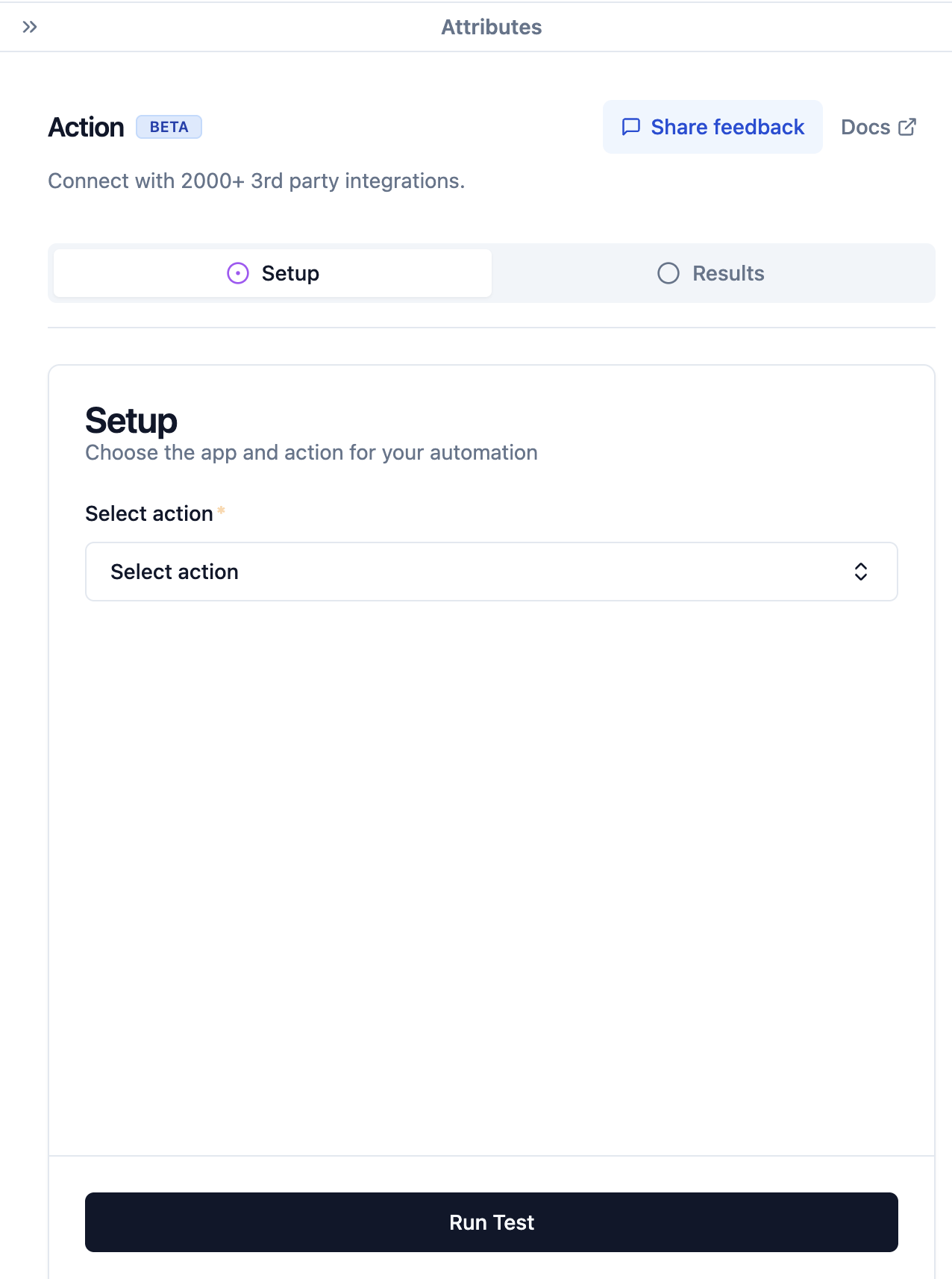
You'll then be prompted in the attributes editor to select the action you would like.
<img src="https://mintcdn.com/wordware/TZfH9znr7B6oxuO7/images/actions/actions_two.png?fit=max&auto=format&n=TZfH9znr7B6oxuO7&q=85&s=636608bdcb5280d866f061a6bc6ef651" alt="Actions Two Pn" width="1276" height="1714" data-path="images/actions/actions_two.png" />

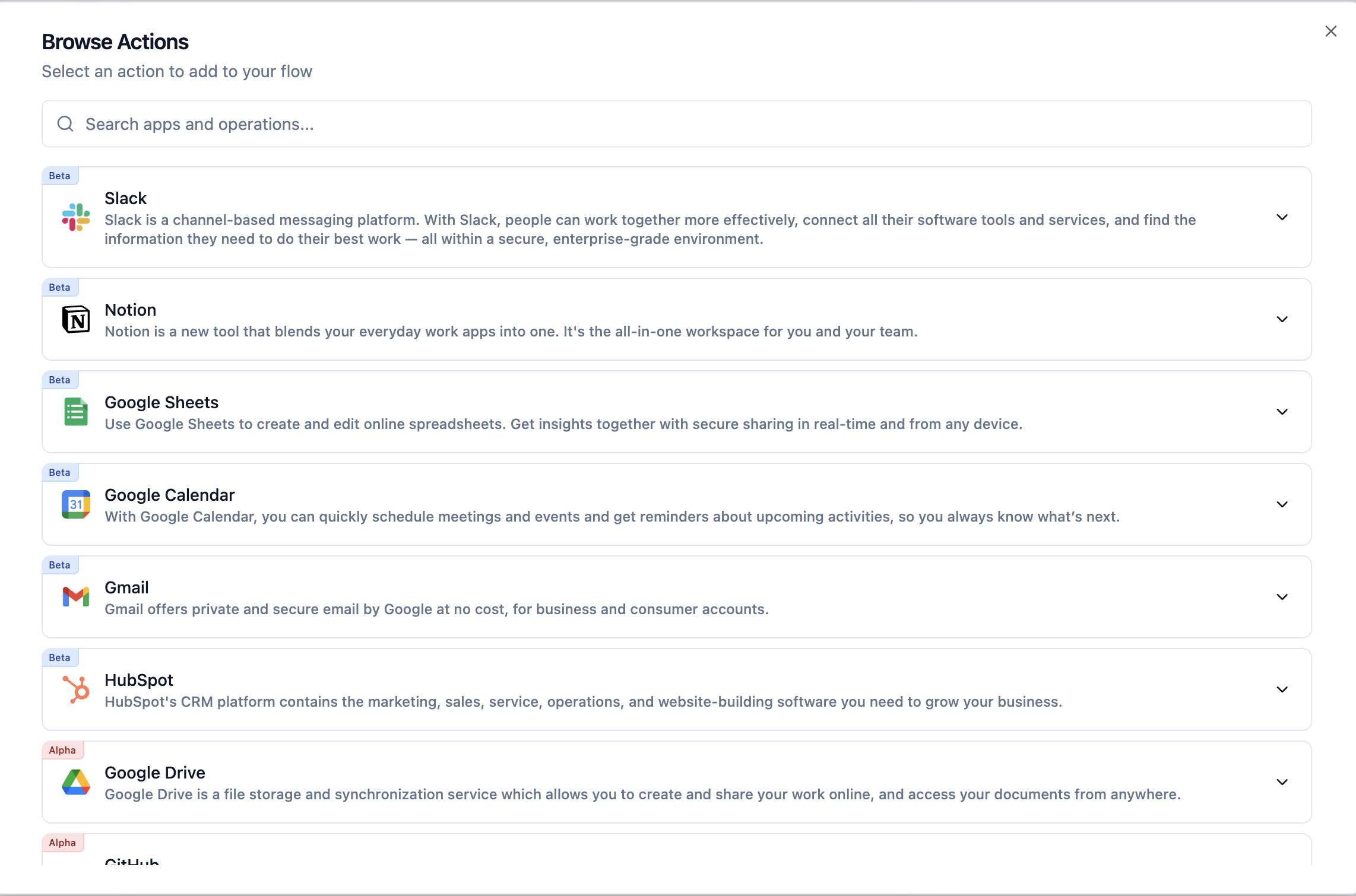
When you click `Select action `you will have access to a wide range of actions to choose from that you can add to your flow. They are divided by product, with the arrow to the right providing more granularity.
<img src="https://mintcdn.com/wordware/TZfH9znr7B6oxuO7/images/actions/actions_three.png?fit=max&auto=format&n=TZfH9znr7B6oxuO7&q=85&s=9e868152ce7ad88a8db1f4c90b8bb0e9" alt="Actions Three Pn" width="2284" height="1510" data-path="images/actions/actions_three.png" />

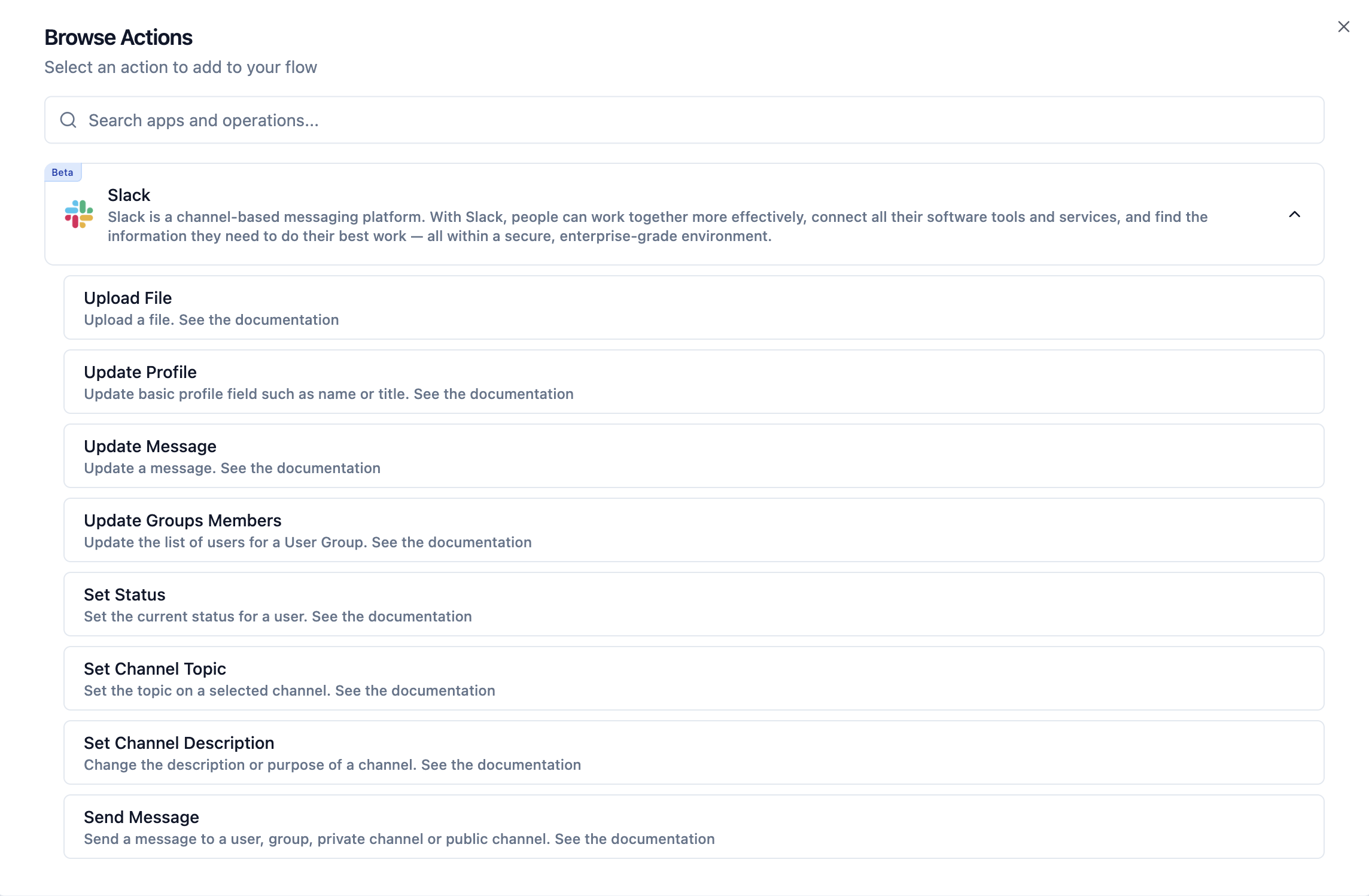
For example, clicking on the drop-down on the Slack trigger gives access to a range of different actions, as seen below.
<img src="https://mintcdn.com/wordware/TZfH9znr7B6oxuO7/images/actions/actions_four.png?fit=max&auto=format&n=TZfH9znr7B6oxuO7&q=85&s=7d72a949dc14b2565c1de1ffdba873ce" alt="Actions Four Pn" width="2288" height="1498" data-path="images/actions/actions_four.png" />

There are thousands of different actions that can be integrated into your WordApps, allowing you seamlessly integrate your WordApps into your real life!
