> ## Documentation Index
> Fetch the complete documentation index at: https://docs.wordware.ai/llms.txt
> Use this file to discover all available pages before exploring further.
# Formatting
> Text, headings, bulleted and numbered lists, code views, quotes, and images
## How to access
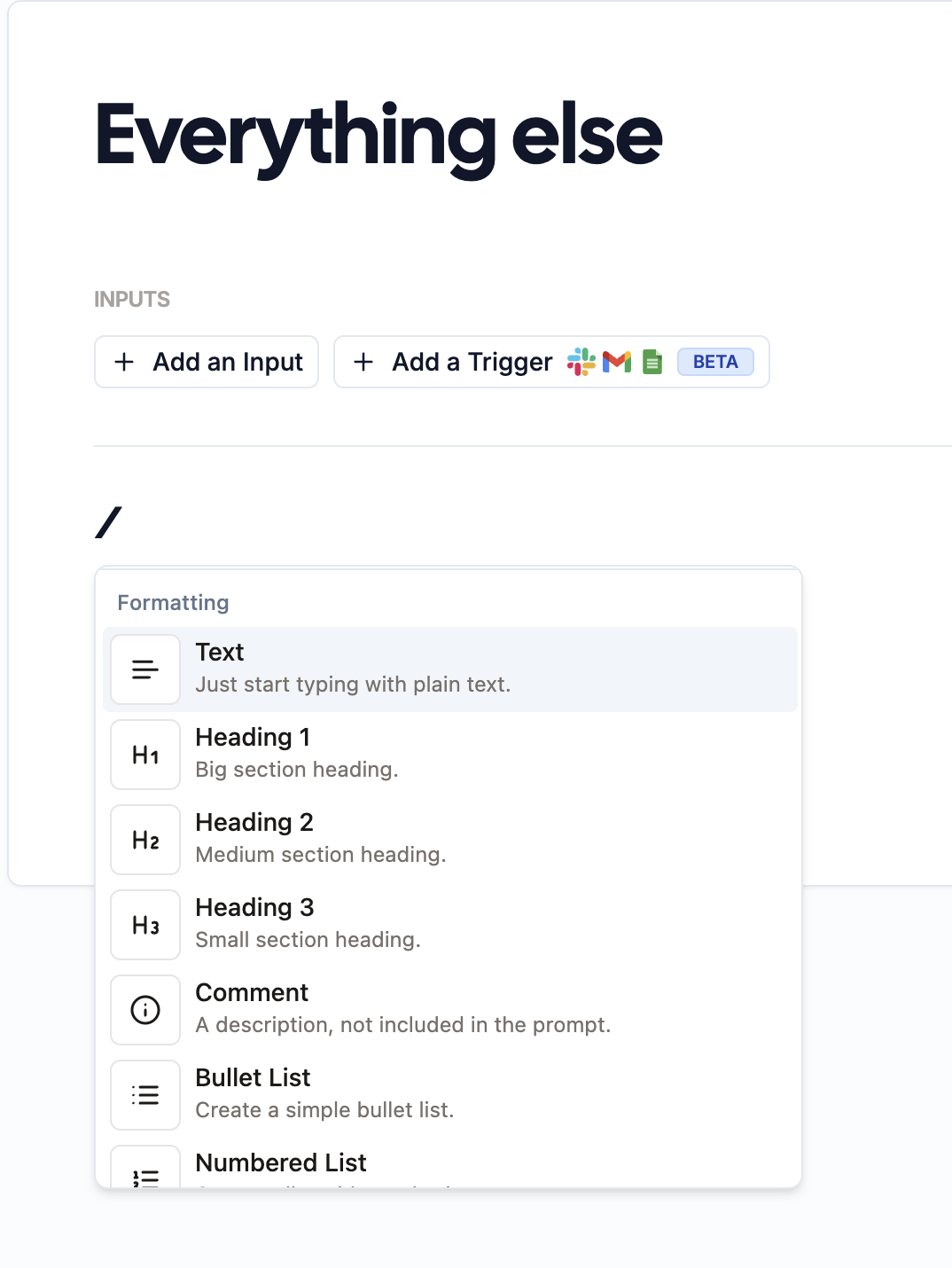
You can press `/` and scroll down to formatting to access different formatting types. Or, you can use the text shortcuts outlined below.
 ## Titles
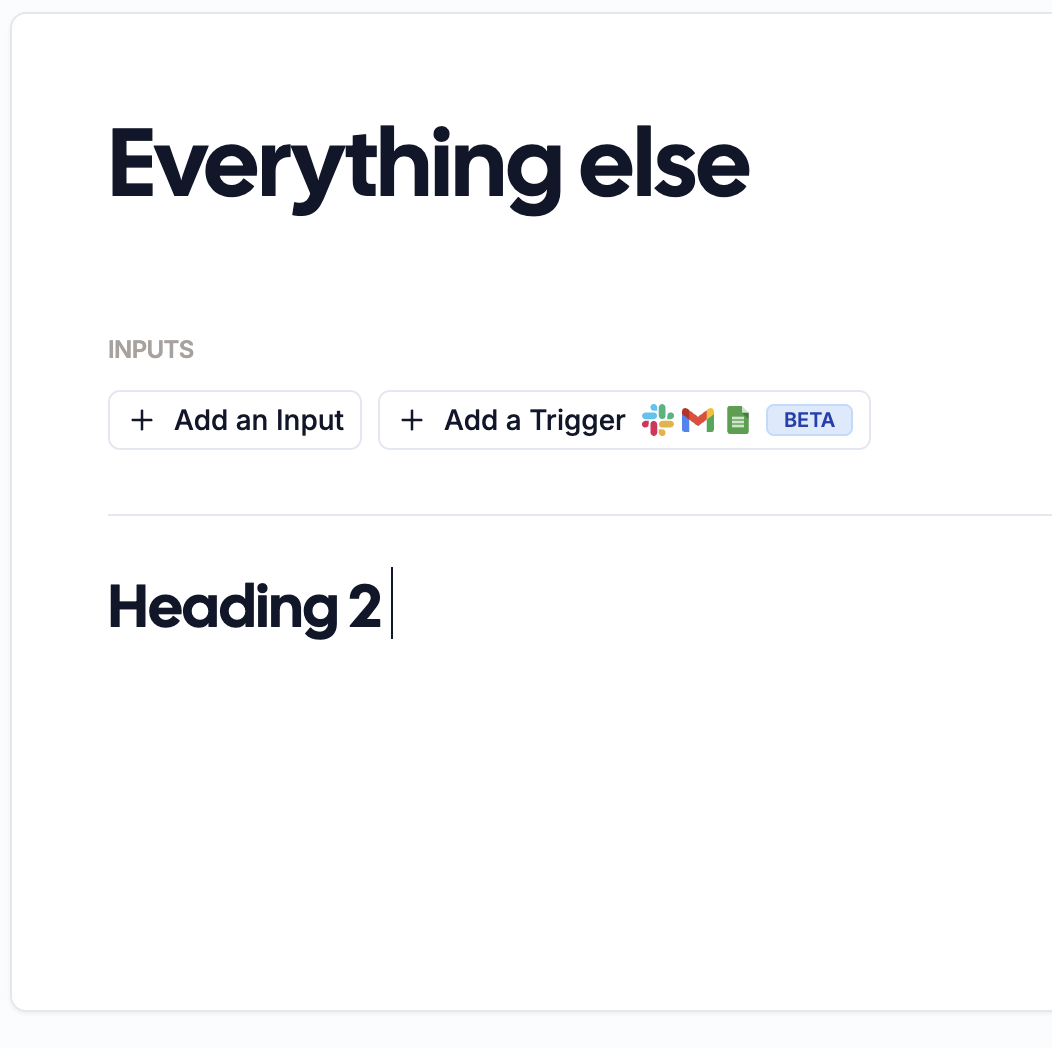 Type out `##` then press `Enter` to get Heading 2 text in editor. Best used for section headers.
### Subtitles
Type out `##` then press `Enter` to get Heading 2 text in editor. Best used for section headers.
### Subtitles
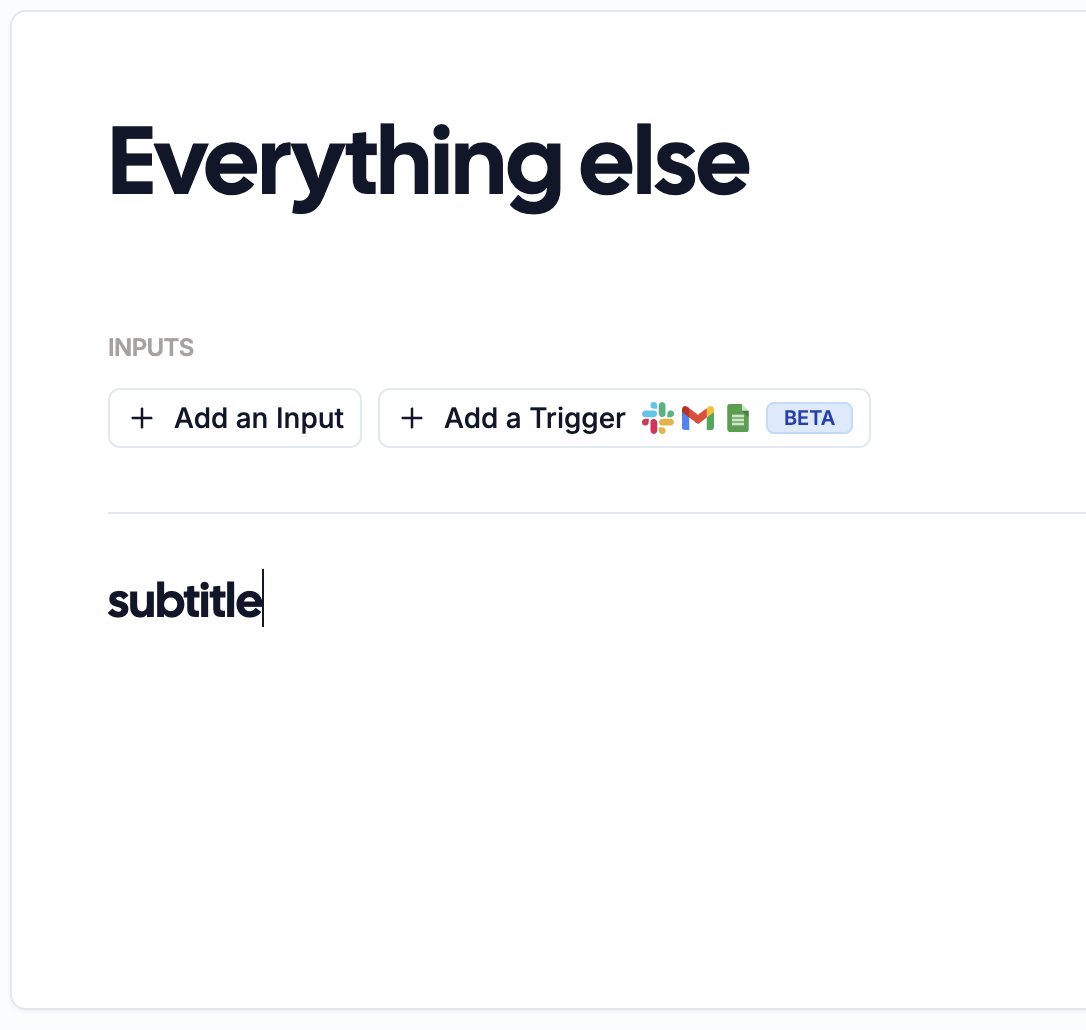 Type out `###` then press `Enter` to get Heading 3 text in editor. Best use to subsection headers.
## Text Formatting
We support most markdown formatting. Simply add `**`, `_`, or `~` around text to format it.
| Style | How to write it | Result |
| ------------- | ----------------- | ----------------- |
| Bold | `**bold**` | **bold** |
| Italic | `_italic_` | *italic* |
| Strikethrough | `~strikethrough~` | ~~strikethrough~~ |
You can combine these. For example, write `**_bold and italic_**` to get ***bold and italic*** text.
## Lists
To make a bulleted list, add a `*` or a `-` in front of each item.
```md theme={null}
- Item 1
- Item 2
- Item 3
```
To make a numbered list, add a number and a period in front of each item.
```md theme={null}
1. Item 1
2. Item 2
3. Item 3
```
## Blockquotes
To create a blockquote, add a `>` in front of a paragraph.
> Dorothy followed her through many of the beautiful rooms in her castle.
```md theme={null}
> Dorothy followed her through many of the beautiful rooms in her castle.
```
## Explore
Try out other formatting you're familiar with from other platforms. We support most of it!
Type out `###` then press `Enter` to get Heading 3 text in editor. Best use to subsection headers.
## Text Formatting
We support most markdown formatting. Simply add `**`, `_`, or `~` around text to format it.
| Style | How to write it | Result |
| ------------- | ----------------- | ----------------- |
| Bold | `**bold**` | **bold** |
| Italic | `_italic_` | *italic* |
| Strikethrough | `~strikethrough~` | ~~strikethrough~~ |
You can combine these. For example, write `**_bold and italic_**` to get ***bold and italic*** text.
## Lists
To make a bulleted list, add a `*` or a `-` in front of each item.
```md theme={null}
- Item 1
- Item 2
- Item 3
```
To make a numbered list, add a number and a period in front of each item.
```md theme={null}
1. Item 1
2. Item 2
3. Item 3
```
## Blockquotes
To create a blockquote, add a `>` in front of a paragraph.
> Dorothy followed her through many of the beautiful rooms in her castle.
```md theme={null}
> Dorothy followed her through many of the beautiful rooms in her castle.
```
## Explore
Try out other formatting you're familiar with from other platforms. We support most of it!